

Understand Building Codes
AI can show you a stunning open-plan kitchen with a removed wall. It cannot tell you whether removing that wall requires a permit, violates local building codes, or changes the structural integrity of your home.
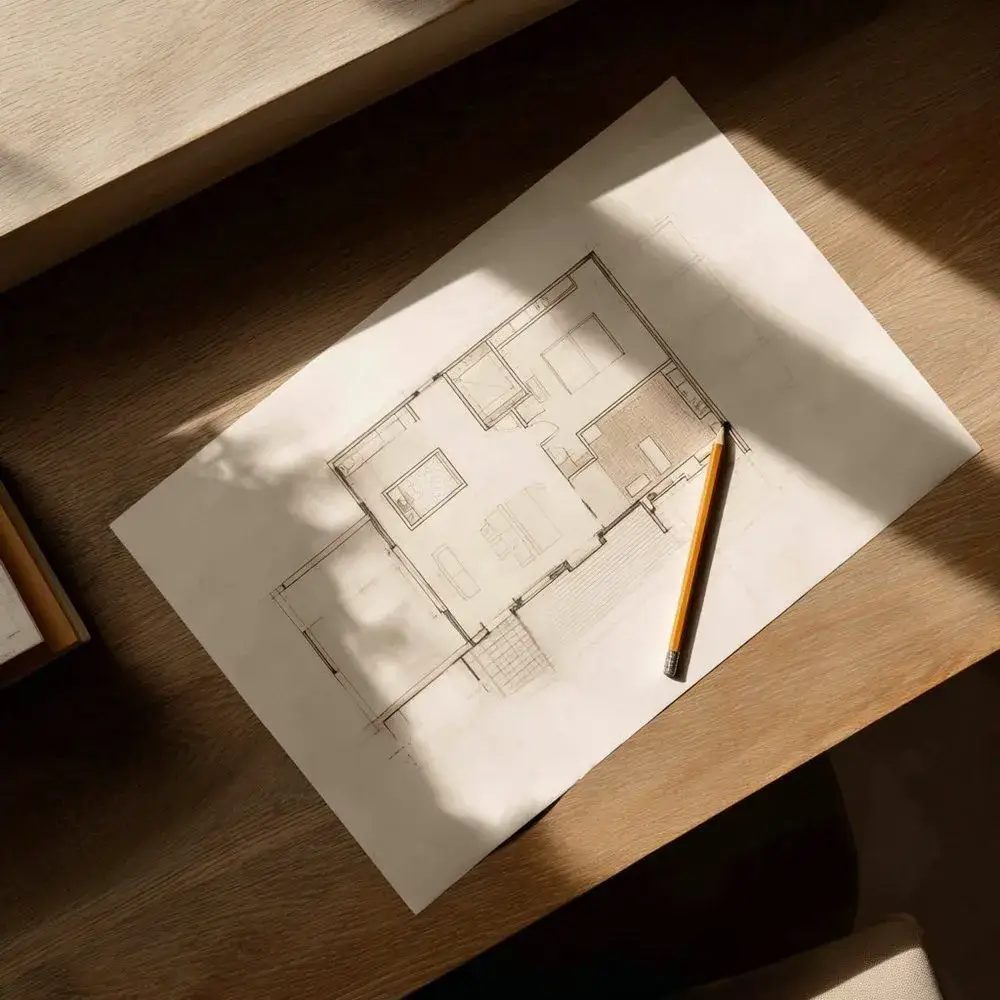
The render shows you the vision. The professional confirms whether it's possible.
Use AI to visualise the end goal. Then bring a structural engineer or licensed contractor in before any wall comes down. The render is the brief. The professional is the safety check.
Detect Load-Bearing Walls
Advanced AI tools can map your room's visible geometry from a photo. They cannot tell you whether the wall you want to remove is load-bearing. That distinction matters enormously — and the consequences of getting it wrong are structural.
Use AI to explore various layout possibilities. Then hire a structural engineer to confirm what's actually possible before anything gets demolished.
Get the Scale Right
AI tools are notoriously poor at getting sizes right. It might show a three-seat sofa fitting perfectly into a tight nook — even if the real sofa is 90 inches wide and the nook is 70. The room looks right. The dimensions are wrong.

The room looks right in the render. The sofa is still 90 inches wide in real life.
Always verify physical dimensions independently before purchasing. Measure your space. Check the manufacturer's dimensions. Never rely on a render as a sizing guide.
Factor in Hidden Costs
An AI budget tool can recommend a sofa that fits your $1,000 budget. It cannot automatically factor in the $200 freight delivery charge, the $150 assembly fee, or the import duty on that Danish pendant light.
Treat the AI's budget as the product cost — not the total cost. The extras add up faster than you expect.
Build a 15–20% buffer into every AI-generated budget. Treat the tool's estimate as a starting point, not a final figure.
Do the Physical Work
AI can help you generate a detailed brief for your contractor: exact paint codes, lighting specifications, material references, and layout instructions. It cannot hang the light, paint the wall, or install the tile.
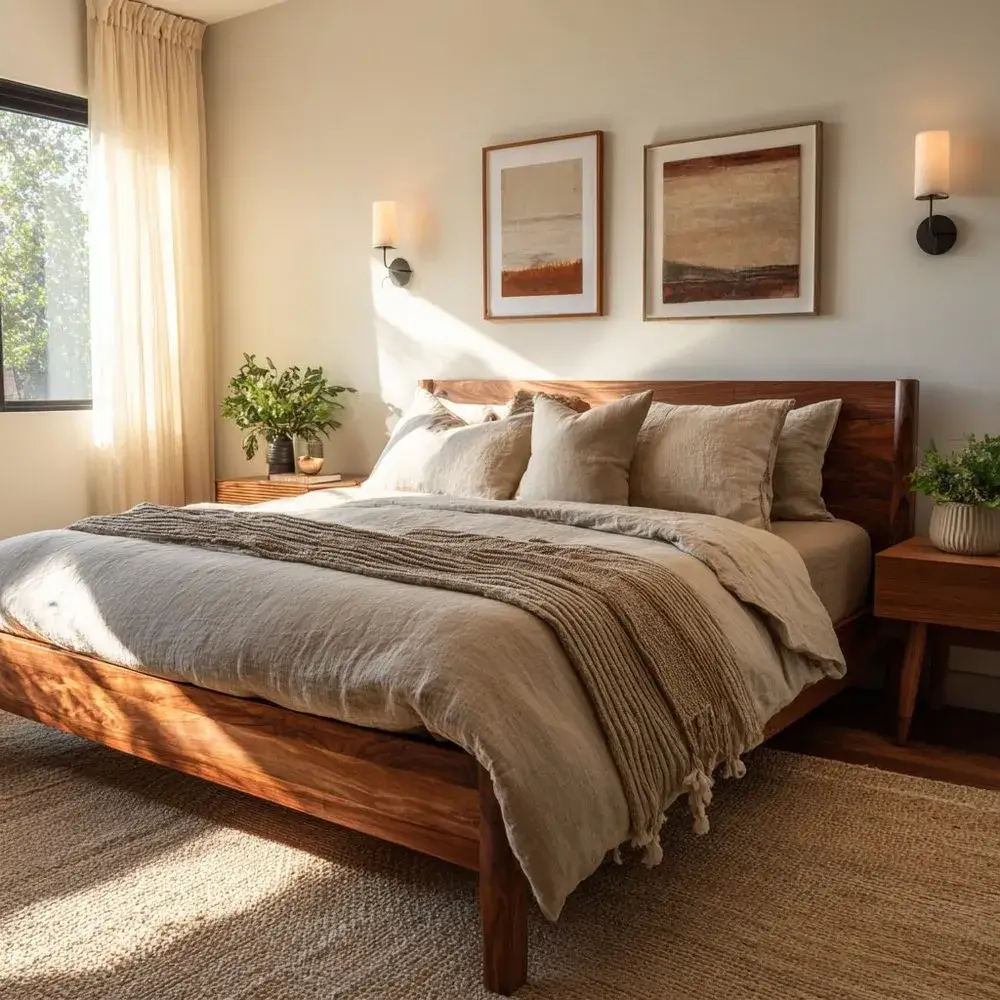
AI plans the vision. The professionals bring it to life.
Use the render to create a complete brief for your trades — every spec they need to execute the design exactly as visualised. Then hand it to the professionals who will bring it to life.